Loading prices...
Key Features
The IzDesk remote desktop system offers enterprise features that simplify the lives of your IT teams and end-users.
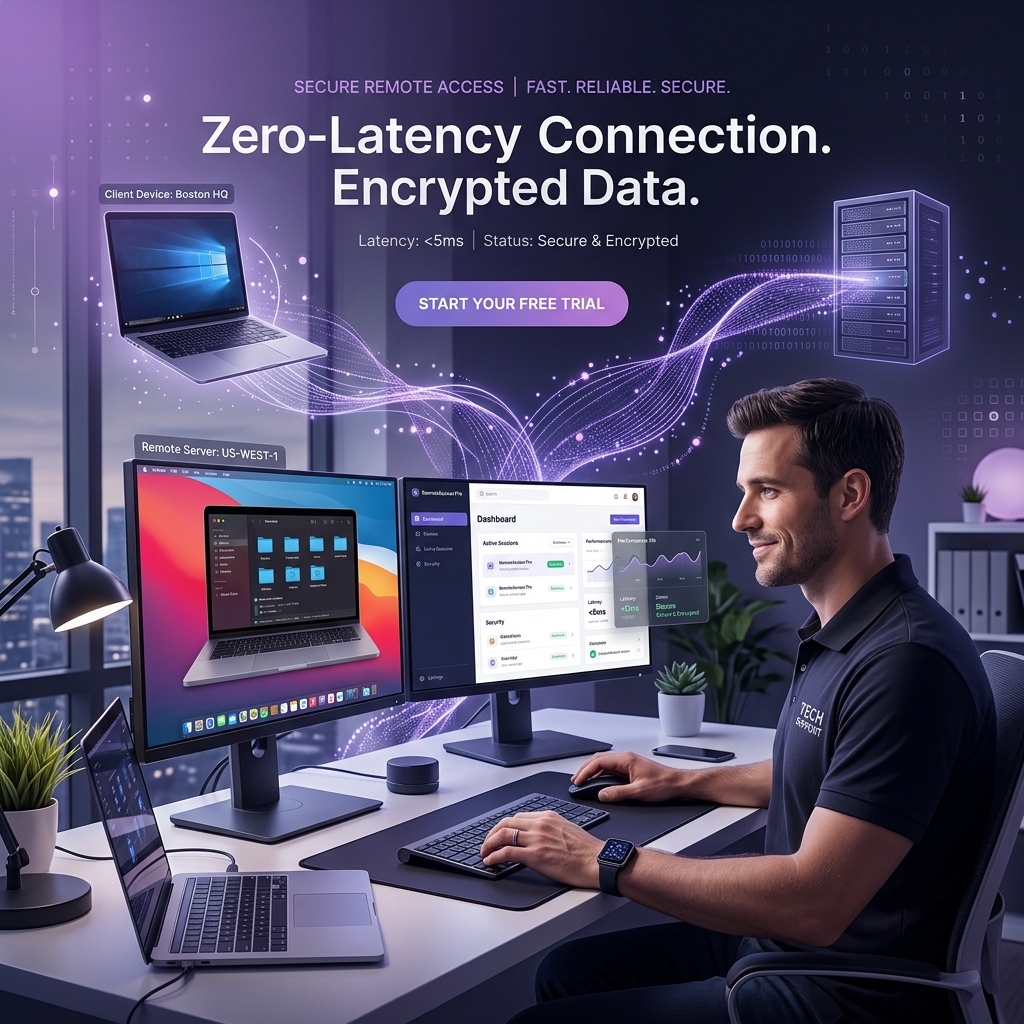
Zero Latency
High-quality connection with the lowest latency through our Turkey-based servers.
End-to-End Encryption
All your data traffic is secured with asymmetric encryption methods.
File Transfer
Fast file transfer between connected devices with drag-and-drop convenience.
Unattended Access
Ability to access devices even without an approving party using an encrypted access password (OTP).
Role-Based Authorization
An address book structure where users can only see the devices they are authorized for.
Logging & Auditing
Who connected to which device and when? All logs are recorded for enterprise security.
Why IzDesk?
Instead of paying high fees for foreign services like TeamViewer or AnyDesk, use our enterprise solution where your data stays domestic.
Your Data Stays Safe
IzDesk signal and relay servers are hosted in our Tier III data center. For compliance, your internal connection traffic does not go abroad. Maximum privacy is ensured with an isolated network structure exclusive to your organization.
- Local and independent relay infrastructure
- Advanced asymmetric key encryption (E2EE)
- Network-level private firewall isolation
- Logging of all connection history
Active Directory and Address Book
When your IT support specialists log into the system via the IzDesk client, they see all company devices hierarchically in the address book. Newly added devices instantly appear on the authorized personnel's screen.
- Advanced address book synchronization
- User groups and role assignments
- Portable or service-based operation without installation
- Multi-monitor support
Download IzDesk Client
Choose the right IzDesk version for your needs and start using it immediately.